Subject
Applies to: All users
Purpose: Explain how users can quickly copy individual field values directly from the Lead Management Page for use outside of Ricochet.
Location in Ricochet: Lead Management
Description
This article explains how to copy information from fields on the Lead Management Page using the built-in right-click copy functionality, including confirmation that the data has been successfully copied to the clipboard.
Resolution
To copy information from a field on the Lead Management Page, hover over the field with your mouse and right click the field. You'll see a notification slide out at the bottom indicating that the data has been copied to the clipboard.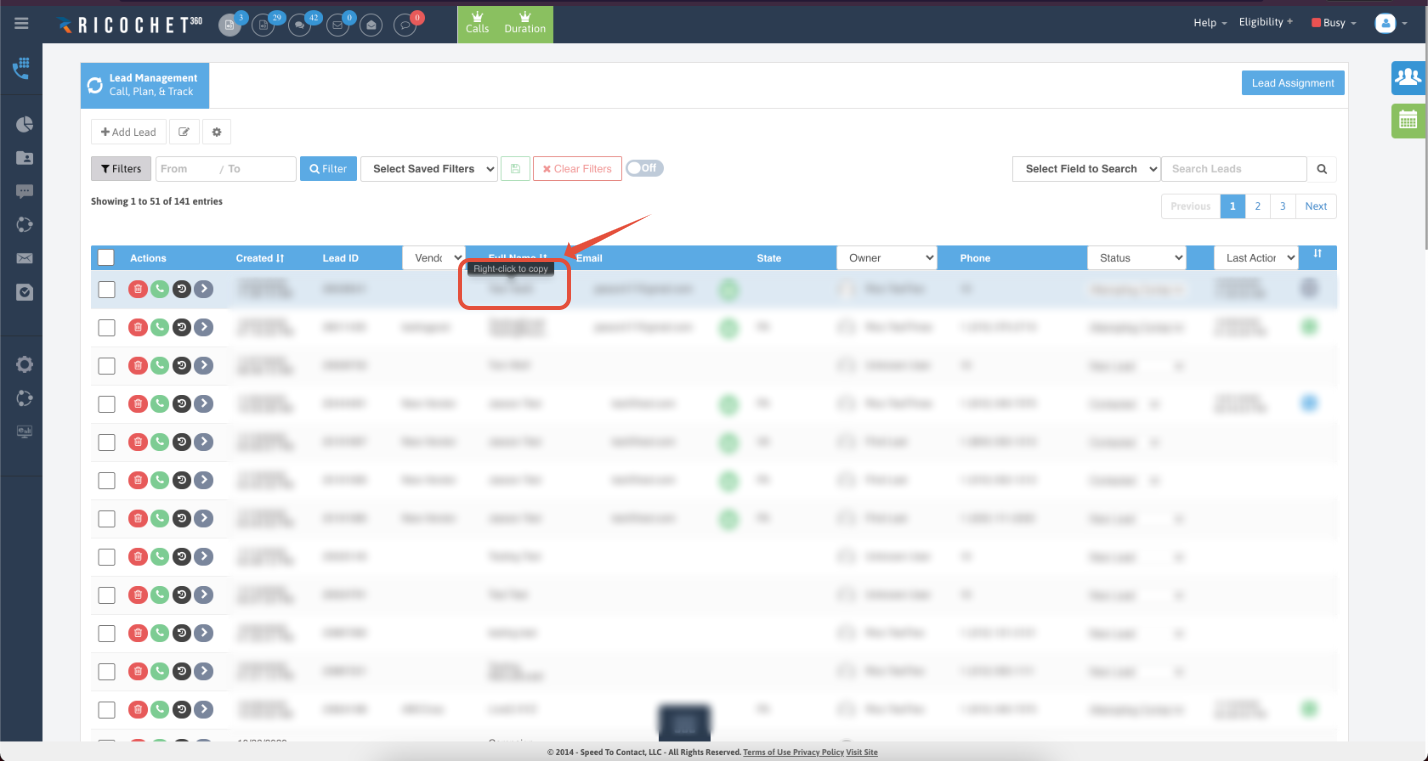
Was this article helpful?
That’s Great!
Thank you for your feedback
Sorry! We couldn't be helpful
Thank you for your feedback
Feedback sent
We appreciate your effort and will try to fix the article