Subject
Applies to: Admin/Branch Manager
Purpose: To explain how users can delete leads from the Lead Management Page.
Location in Ricochet: Lead Management
Description
The instructions in this article require Branch Manager permission or above
This article walks Admins and Branch Managers through the steps to delete leads from the Lead Management Page. It covers both single-lead deletion and bulk deletion, including how to select leads, use the delete actions, and confirm removal to ensure unwanted or incorrect leads are properly removed.
Resolution
Optional: View the interactive tutorial for this process:
Click here to open the step-by-step tutorial in a new tab
Non-Administrators do not have the access to follow these instructions and should open a ticket.1. To delete a lead on the Lead Management Page, there are two ways to do so:
The first is individually, click the Delete button next to the lead you wish to delete.
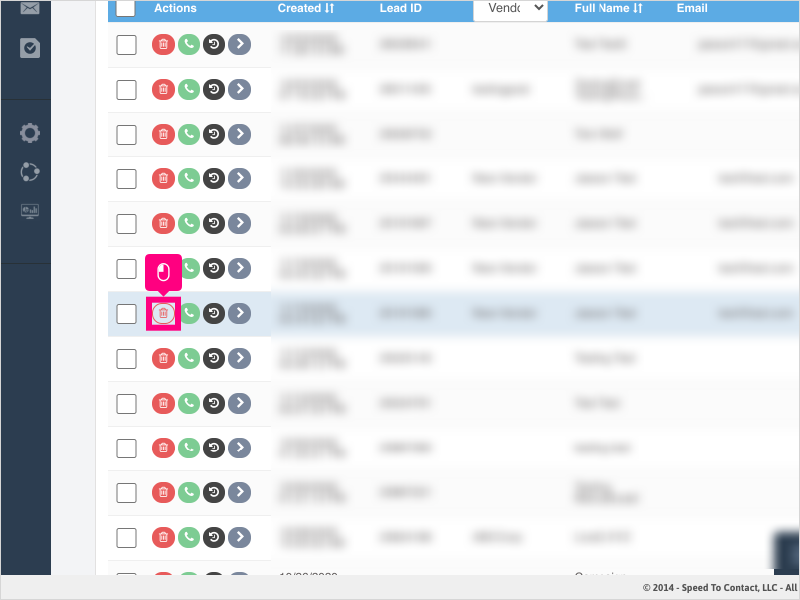
2. Click Ok to confirm deletion of the one lead.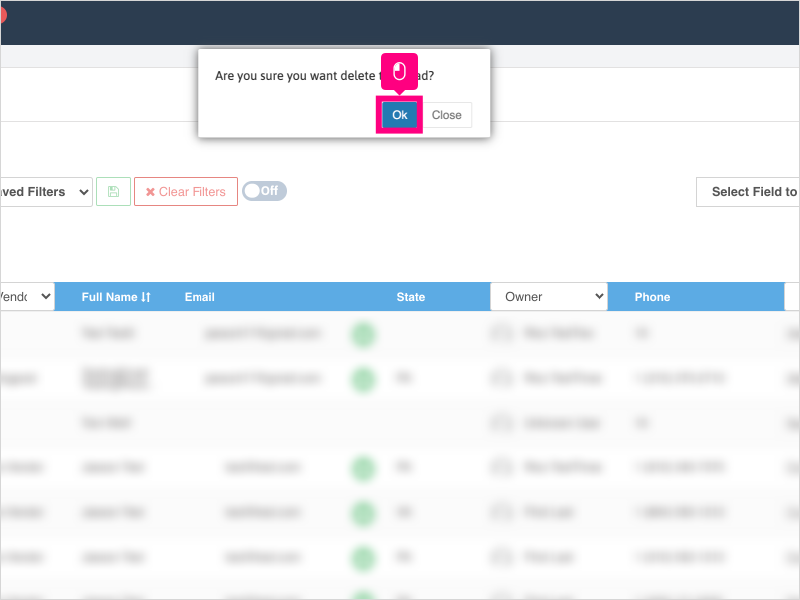
3. The other way to delete leads is in bulk.
Select one or more leads by clicking the checkbox or checkboxes next to the leads you wish to delete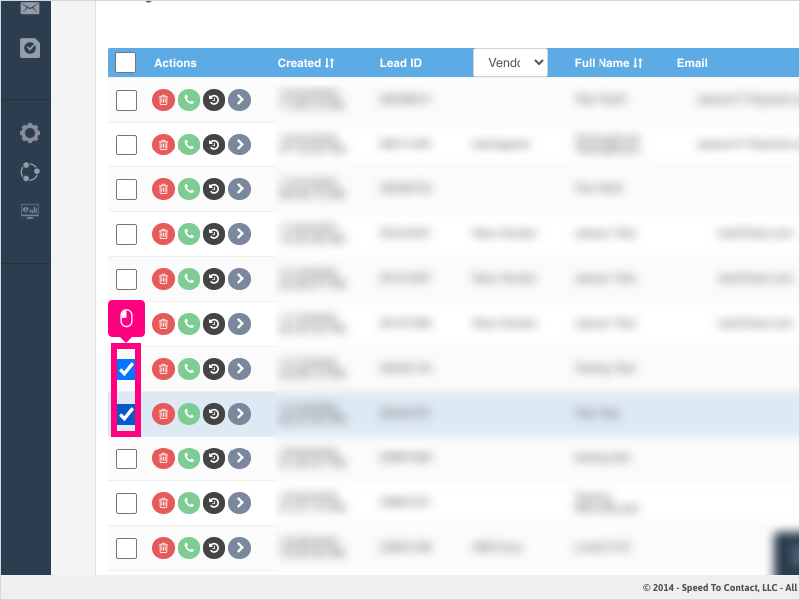
4. Click Delete All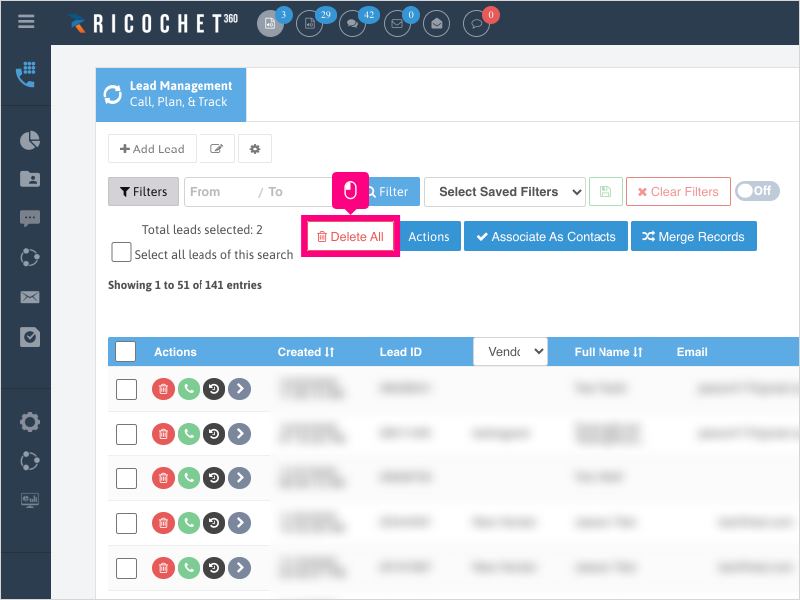
5. Click Ok to confirm deleting all the selected leads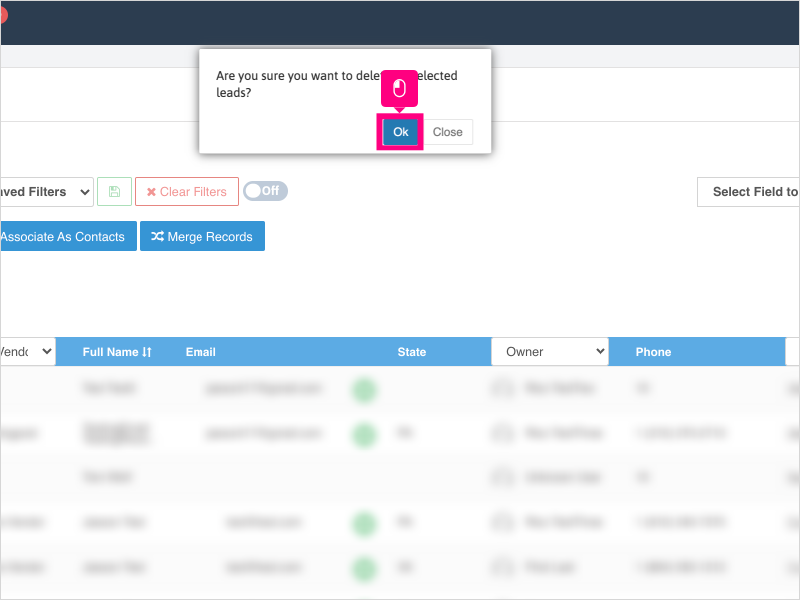
Was this article helpful?
That’s Great!
Thank you for your feedback
Sorry! We couldn't be helpful
Thank you for your feedback
Feedback sent
We appreciate your effort and will try to fix the article