Subject
Applies to: Admin
Purpose: To explain how users can merge duplicate lead records into a single lead.
Location in Ricochet: Lead Management
Description
The instructions in this article require Administrator permission
This article addresses how administrators can merge up to six lead records into one by selecting the lead to retain and choosing which data fields to keep.
Resolution
Optional: View the interactive tutorial for this process:
Click here to open the step-by-step tutorial in a new tab
Non-Administrators do not have the access to follow these instructions and should open a ticket.1. If you need to merge leads, first you'll want to select one or up to six (6) leads from the checkbox on the left.
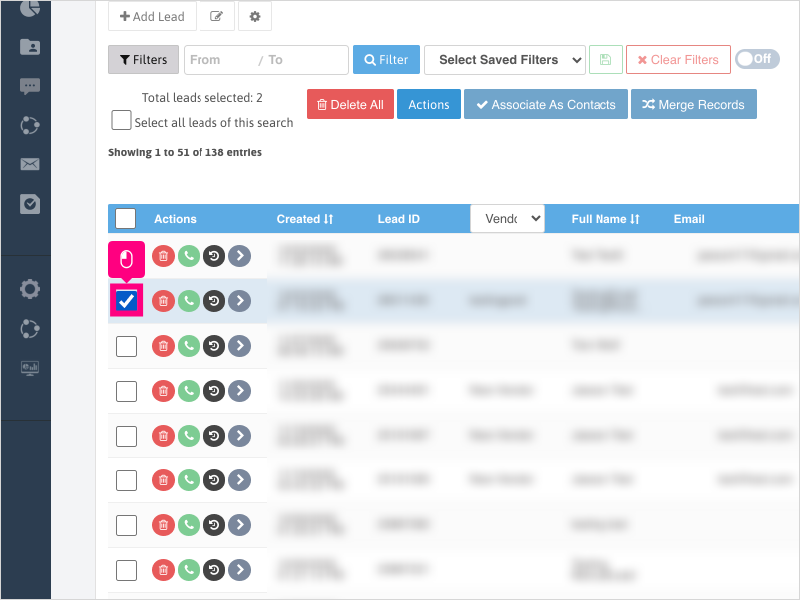
2. Click Merge Records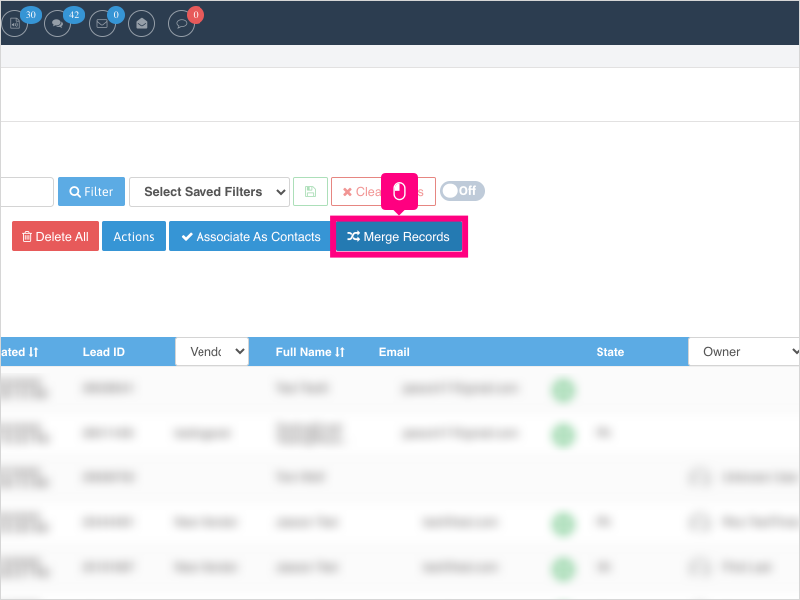
3. Click the main Lead ID you wish to retain
Note: Typically the one recommended to keep is the one with the most call history and overall historical data for Text/Email/Notes/Calls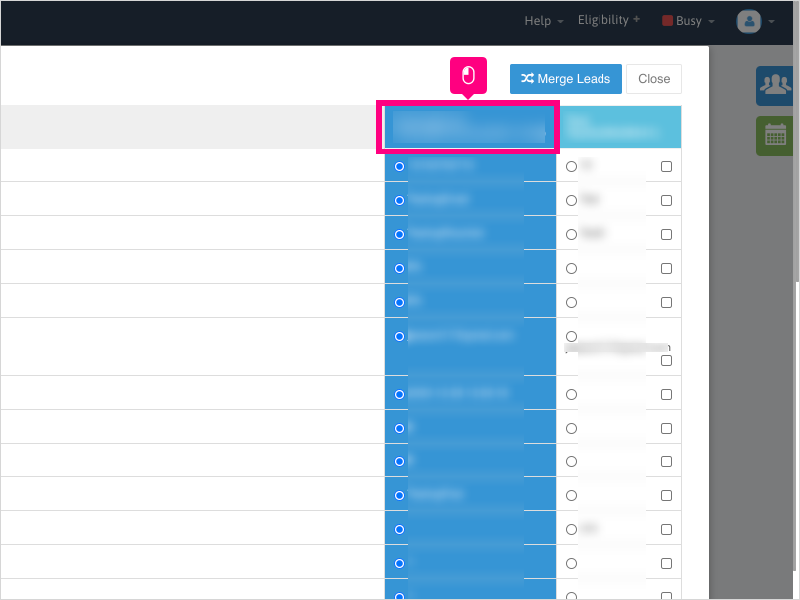
4. Select the fields you wish to retain by clicking the radio button for the field you want to merge into the one lead record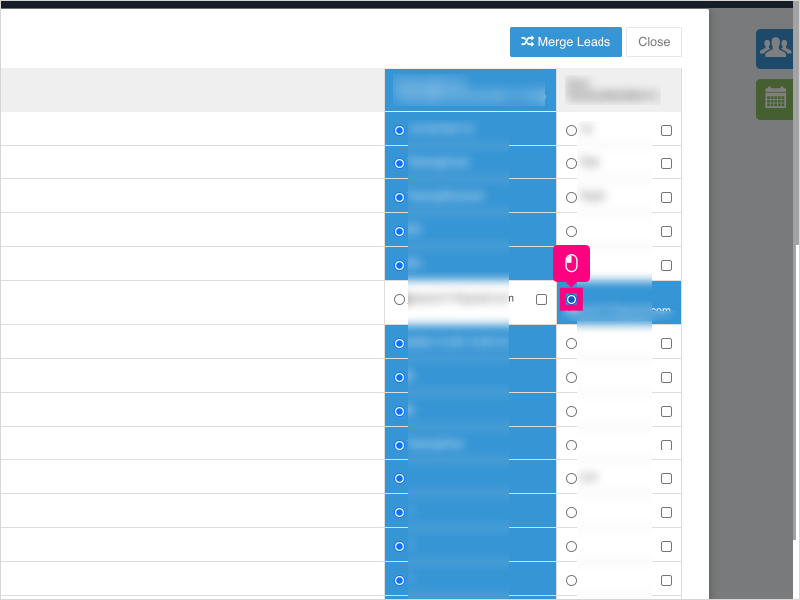
5. Click Merge Leads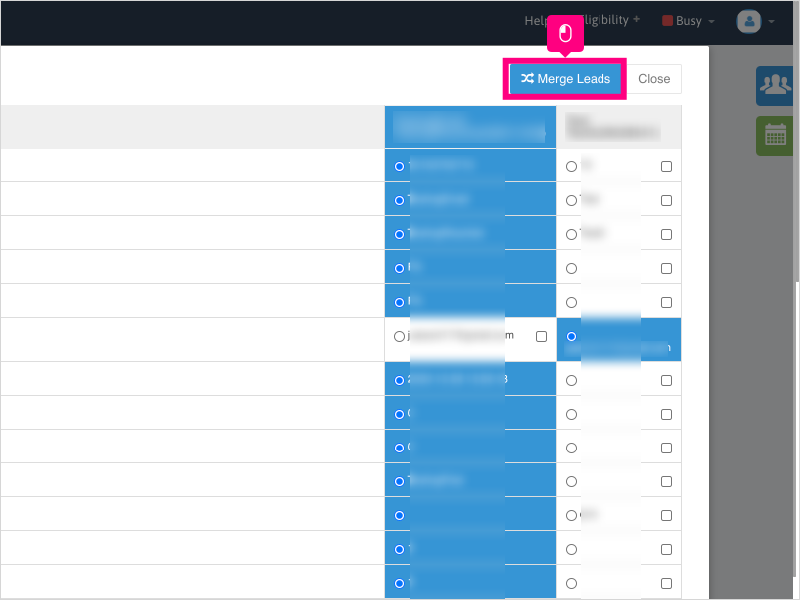
6. Click Ok to merge the lead records.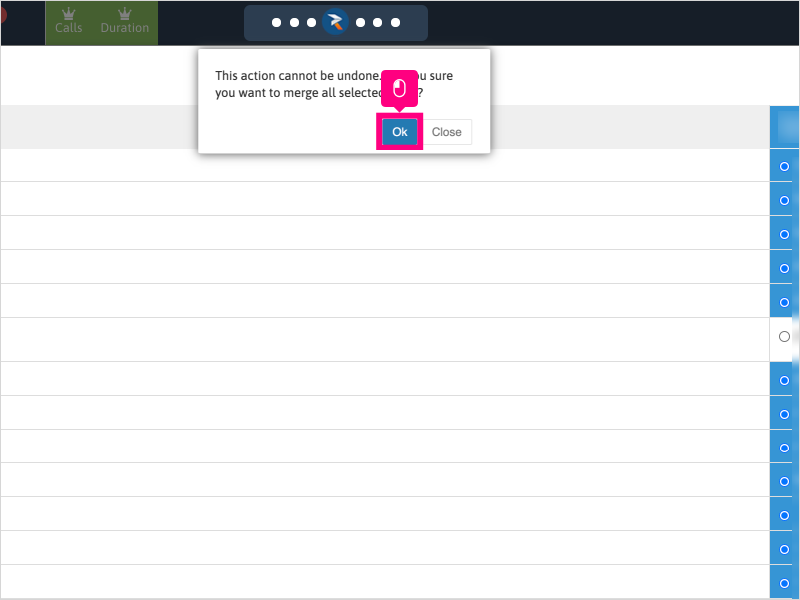
7. Wait for the confirmation of the merge to be completed before navigating away to another location in Ricochet.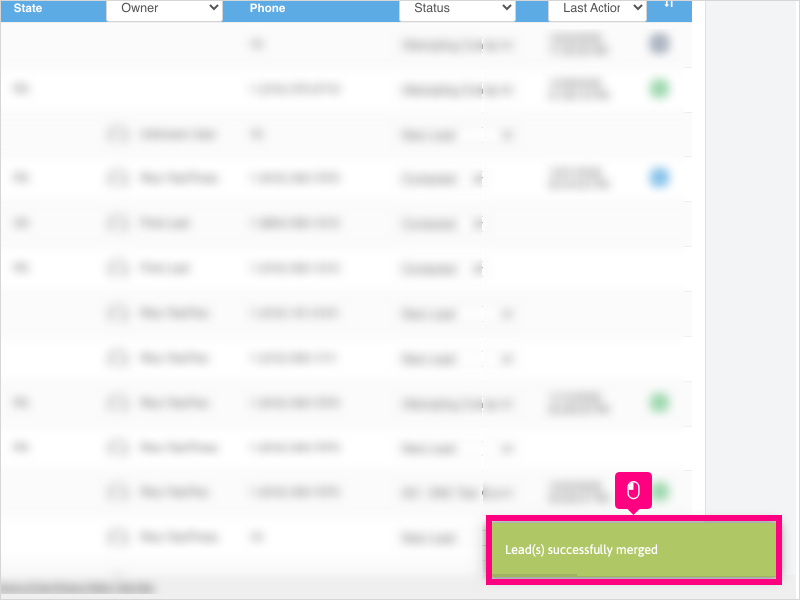
Was this article helpful?
That’s Great!
Thank you for your feedback
Sorry! We couldn't be helpful
Thank you for your feedback
Feedback sent
We appreciate your effort and will try to fix the article