Subject
Applies to: All users
Purpose: To explain how users can mark text messages as read or viewed from the Text Messaging dashboard.
Location in Ricochet: Text Messaging
Description
This article outlines the steps for marking text messages as read within the Text Messaging dashboard, allowing users to manage message status and keep their inbox organized.
Resolution
Optional: View the interactive tutorial for this process:
Click here to open the step-by-step tutorial in a new tab
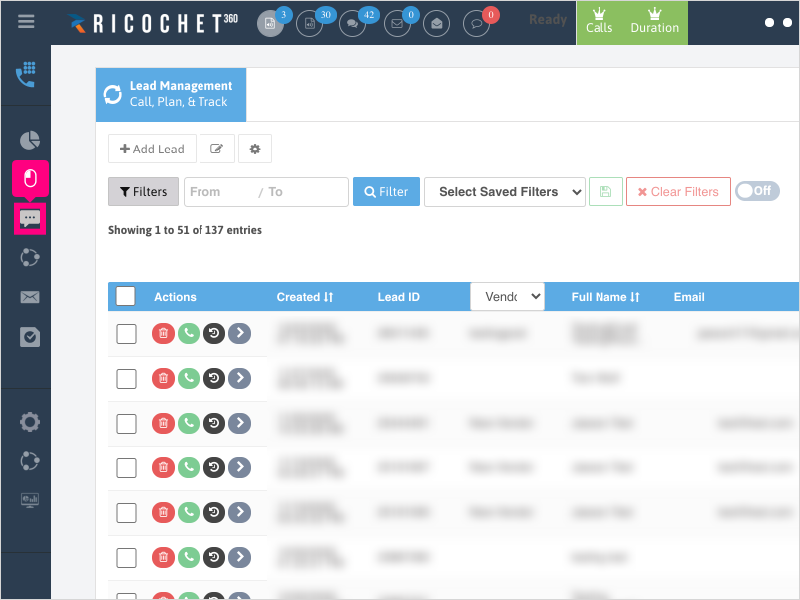
1. To mark a text as read / viewed, click Text Messaging
2. Find the text you wish to mark as read / viewed and click the checkbox under the Actions column to mark the text as read / viewed.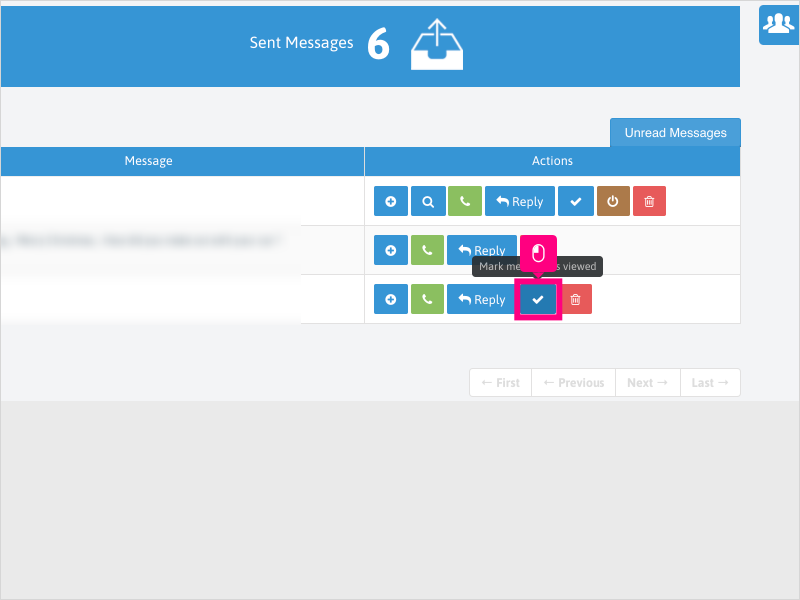
3. Wait for the green confirmation message at the bottom right to confirm the message was marked as read / viewed.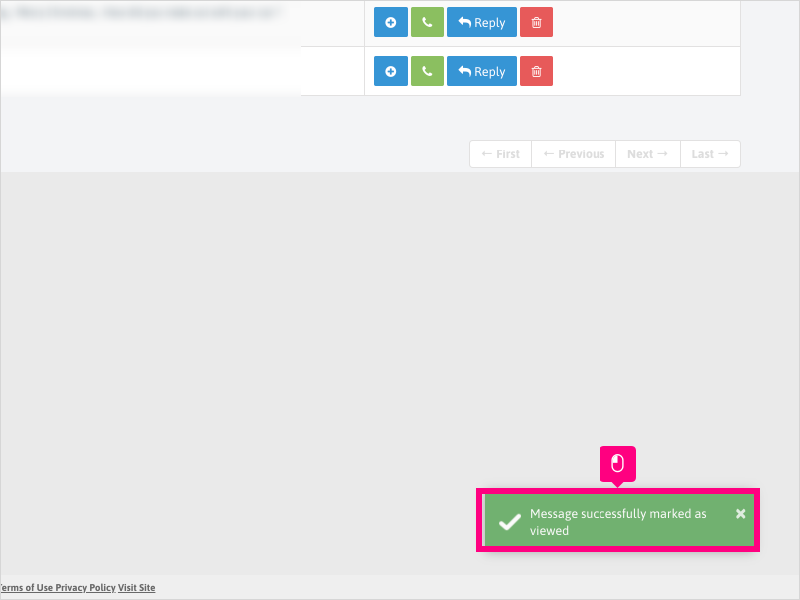
Was this article helpful?
That’s Great!
Thank you for your feedback
Sorry! We couldn't be helpful
Thank you for your feedback
Feedback sent
We appreciate your effort and will try to fix the article