Subject
Applies to: Admin/Branch Manager
Purpose: How to Set Up an Inbound IVR to Ring Users Associated With a Restricted Tag
Location in Ricochet: Configuration > Phone Settings
Description
The instructions in this article require Branch Manager access or above
These instructions describe how to configure an Inbound IVR phone number to route calls directly to users associated with a restricted lead tag by editing the IVR phone settings, bypassing greetings and caller input, selecting the transfer-to-tags action, and continuing through the remaining IVR routing setup.
Resolution
Optional: View the step-by-step tutorial for this process:
Click here to open the step-by-step tutorial in a new tab
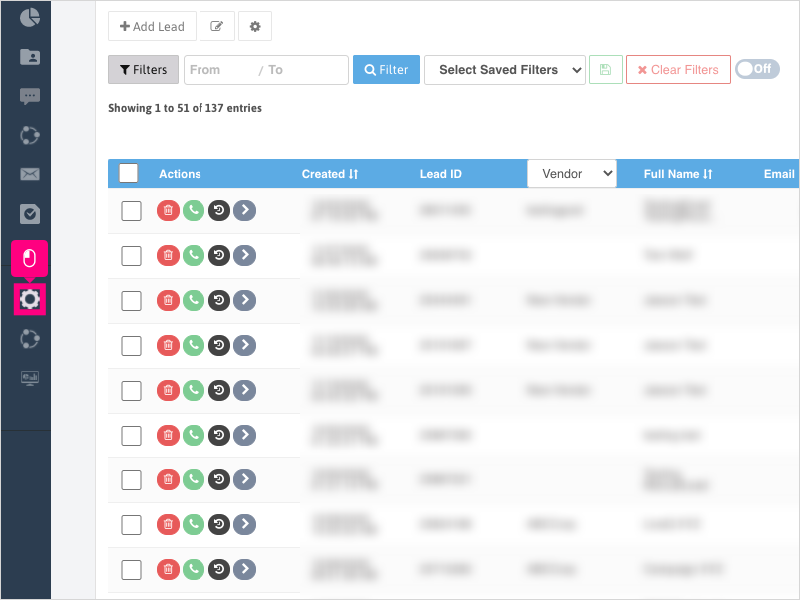
Non-Administrators do not have the access to follow these instructions and should open a ticket.1. To set up an Inbound IVR number to ring users associated to a restricted tag on the lead record, click Configuration
2. Click Phone Settings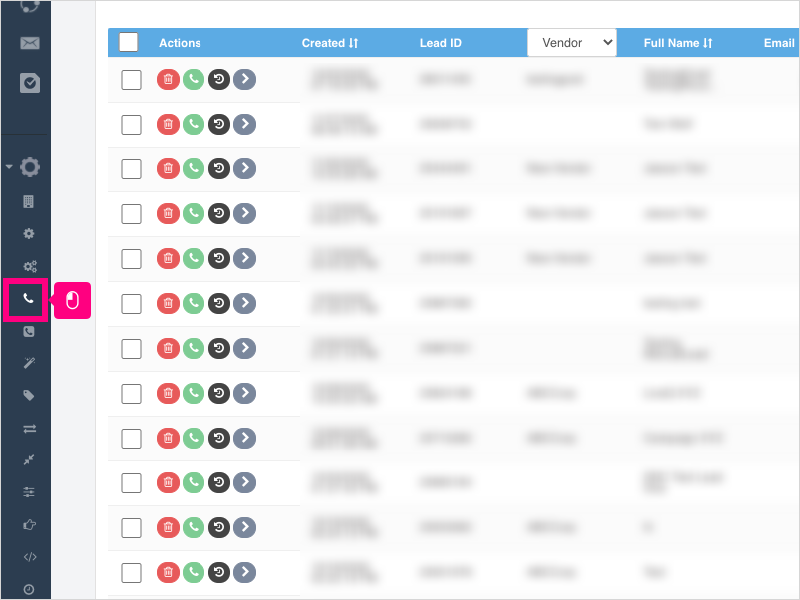
3. Click the IVR Phones tab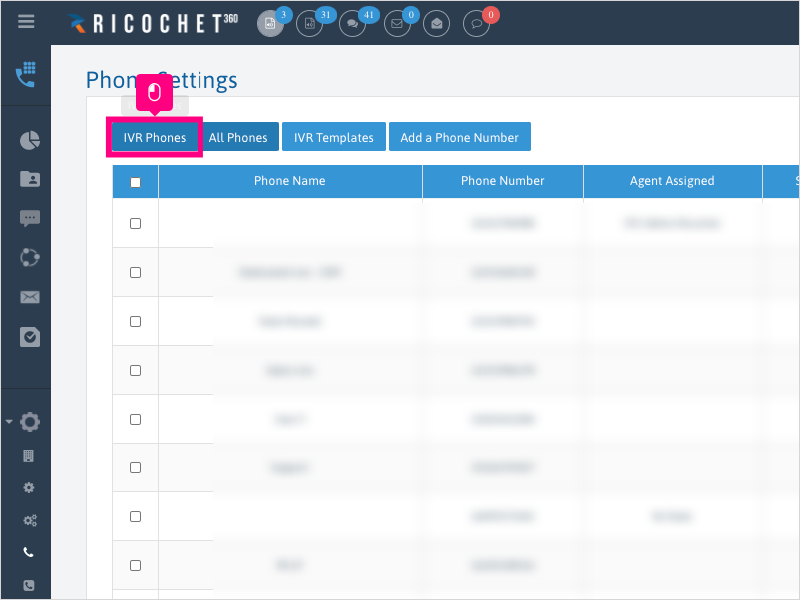
4. Click Edit for the Inbound IVR number you wish to edit.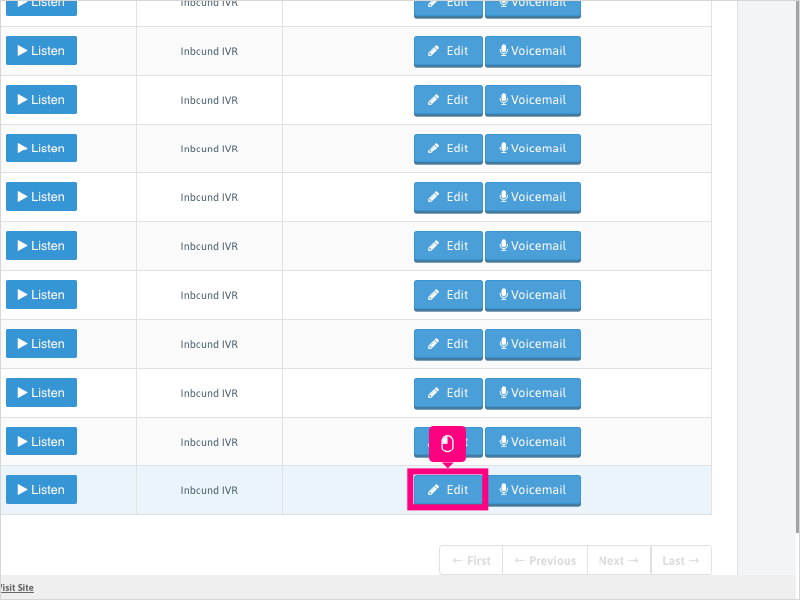
5. Click Routings tab and then Greeting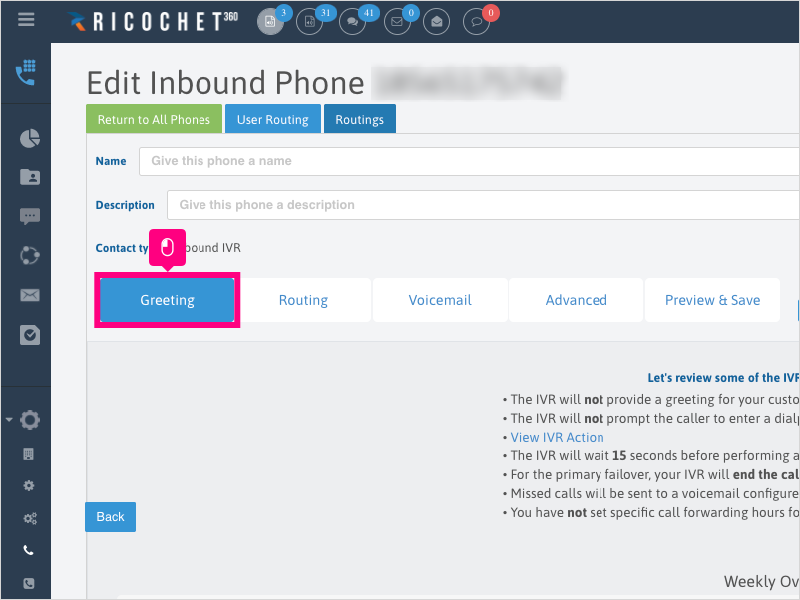
6. Click No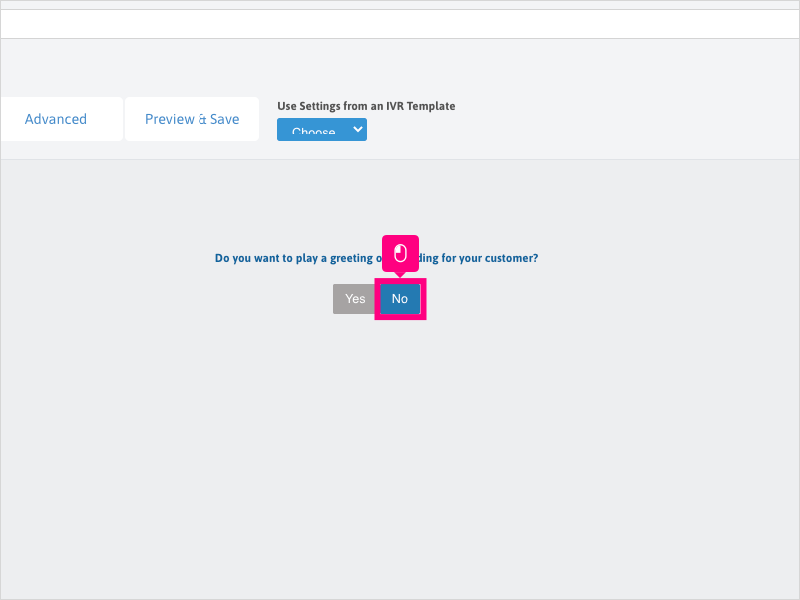
7. Click Next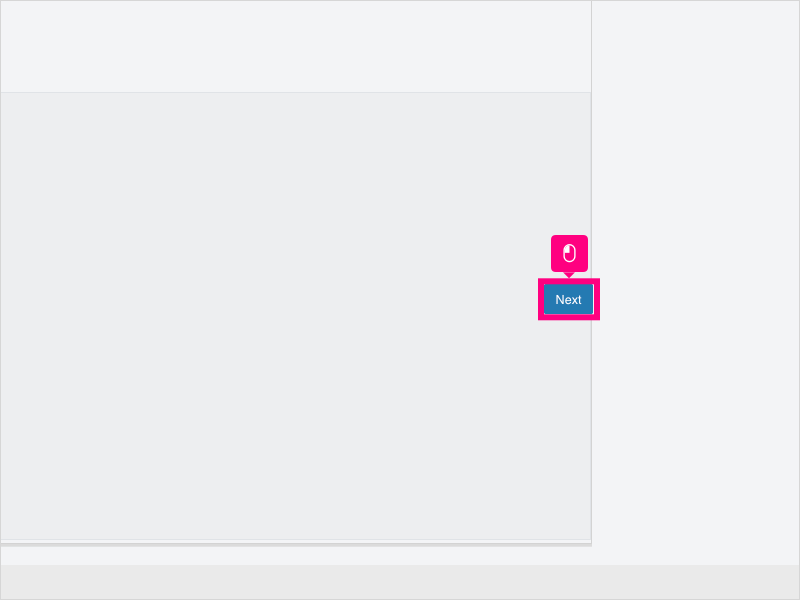
8. On the "Ask the user for input" sub-tab, click No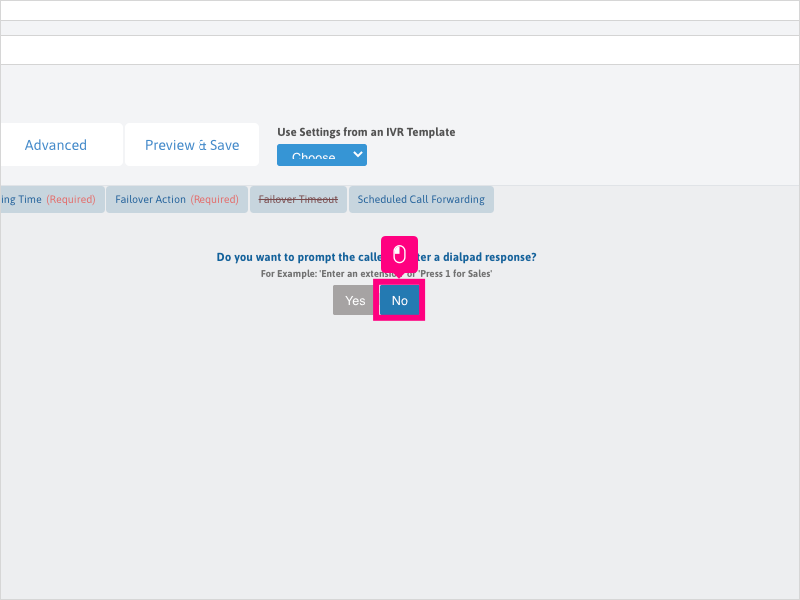
9. Click Next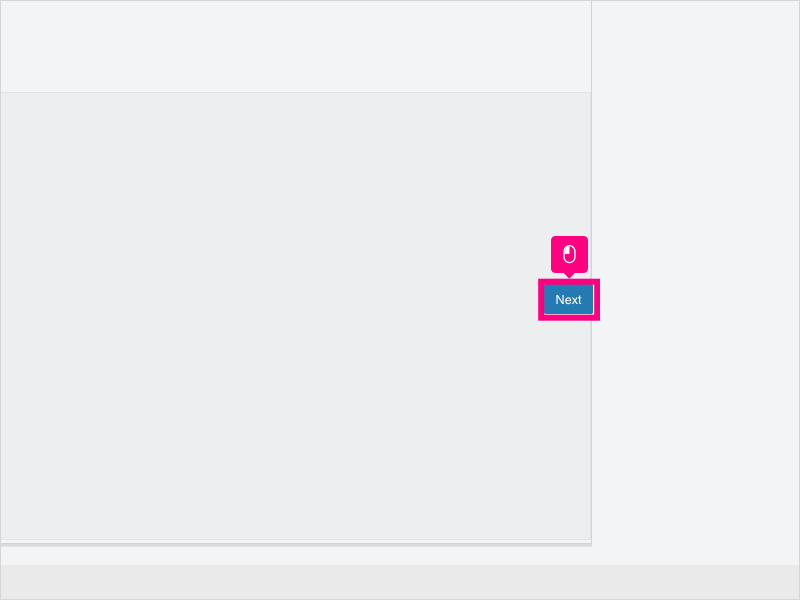
10. Click the dropdown to select what action to initiate when a call comes in.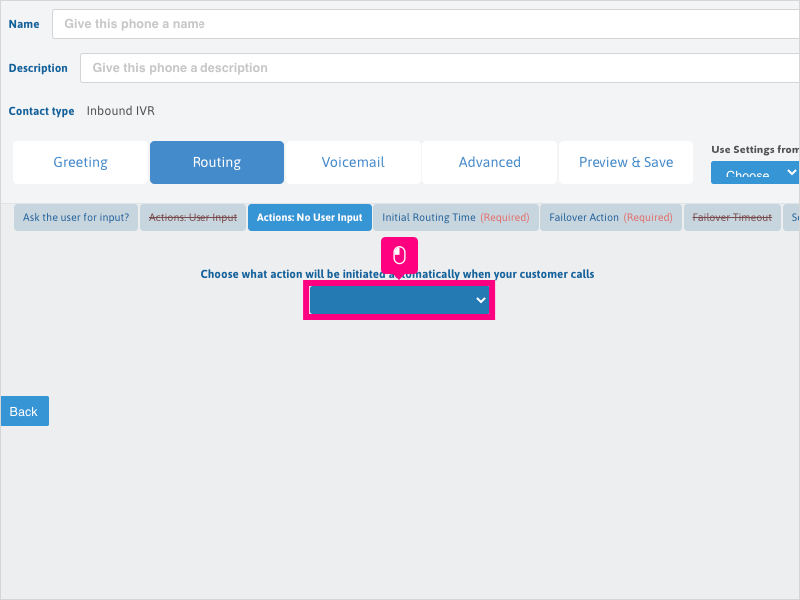
11. Select Transfer to Tags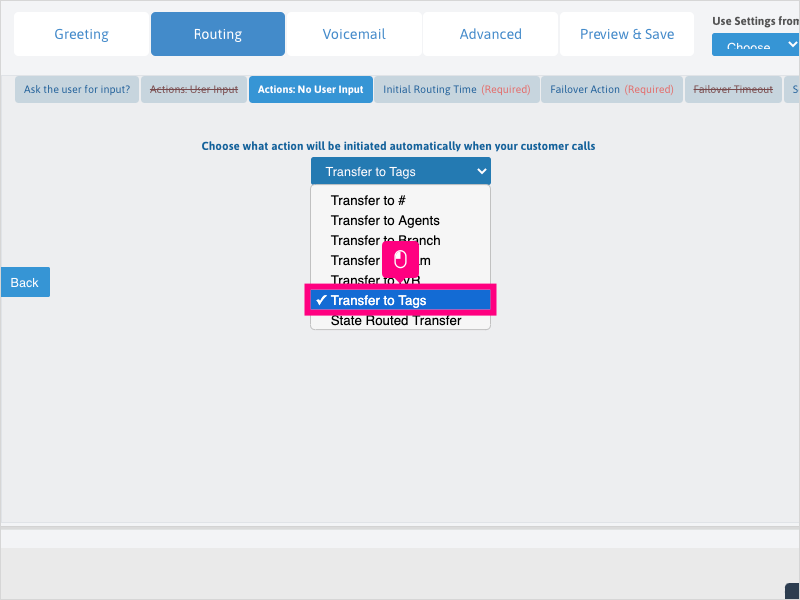
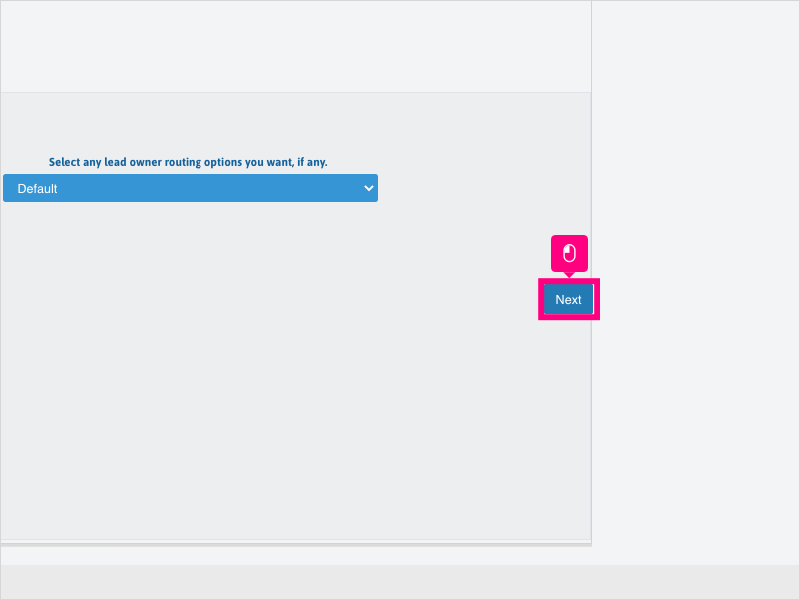
12. Click Next to proceed with the rest of your Inbound IVR routing configuration.
Was this article helpful?
That’s Great!
Thank you for your feedback
Sorry! We couldn't be helpful
Thank you for your feedback
Feedback sent
We appreciate your effort and will try to fix the article