Subject
Applies to: Admin/Branch Manager
Purpose: Understanding how to view messages on chat history report
Location in Ricochet: Reports > Chat History
Description
The instructions in this article require Branch Manager permission or above
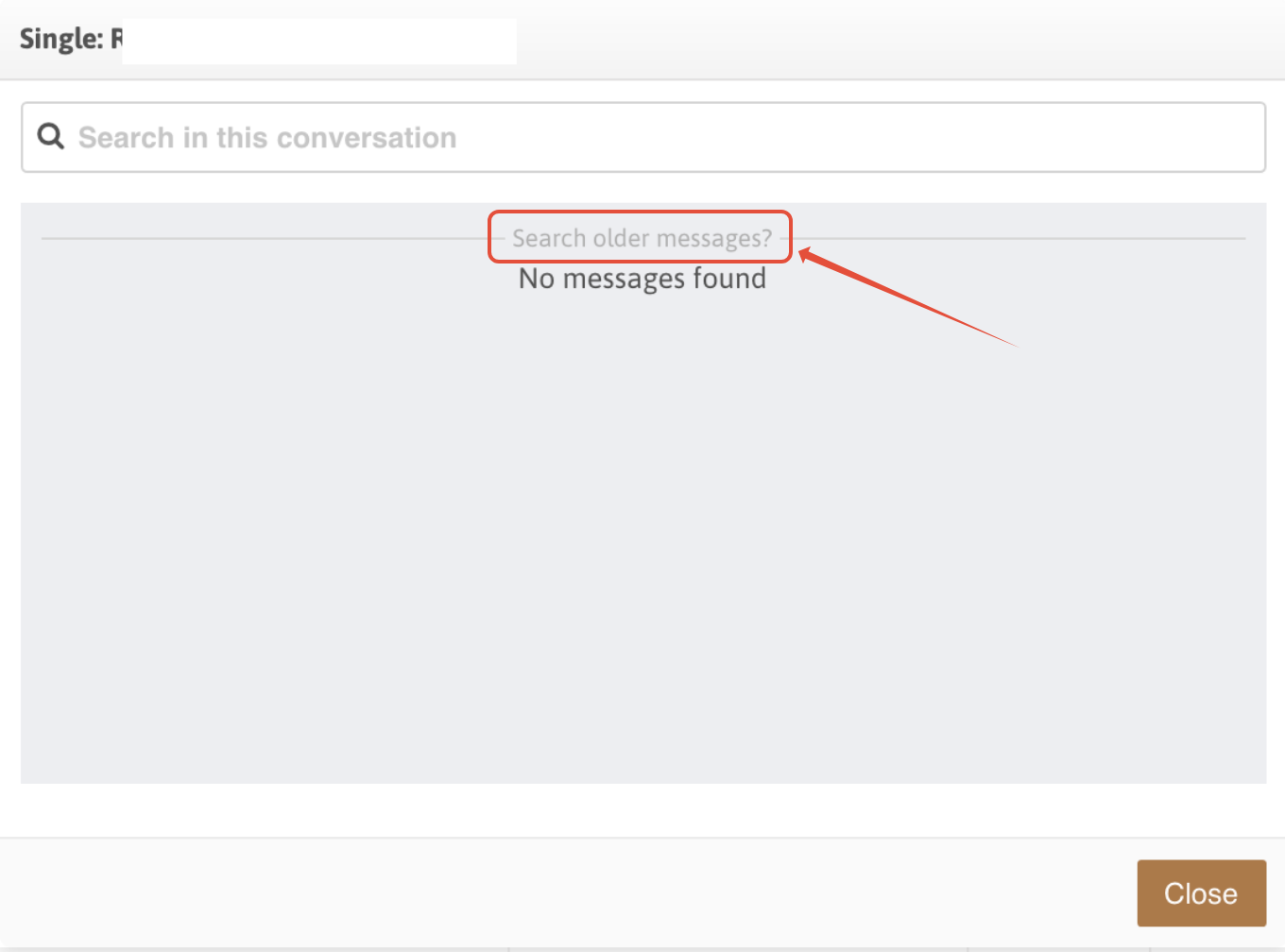
This article explains how to view historical chat messages in the chat history report.
Resolution
Non-Administrators do not have the access to follow these instructions and should open a ticket.Currently, to view the historical chat messages, you'll need to click the "Search older messages?" gray text above the "No Messages Found" text to display older chat messages in that thread.
Was this article helpful?
That’s Great!
Thank you for your feedback
Sorry! We couldn't be helpful
Thank you for your feedback
Feedback sent
We appreciate your effort and will try to fix the article