Subject
Applies to: All users
Purpose: This article explains why leads may not be appearing on the Lead Management page and how to quickly resolve the issue.
Location in Ricochet: Lead Management
Description
Learn how active filters on the Lead Management page can prevent leads from displaying, and how to identify and clear those filters to restore visibility of all leads.
Resolution
If there are no leads showing on the Lead Management Page, there may be times where you have a filter selected that displays no results. If you see the Clear Filters button red with white letters, click it to clear any filters that may be enabled.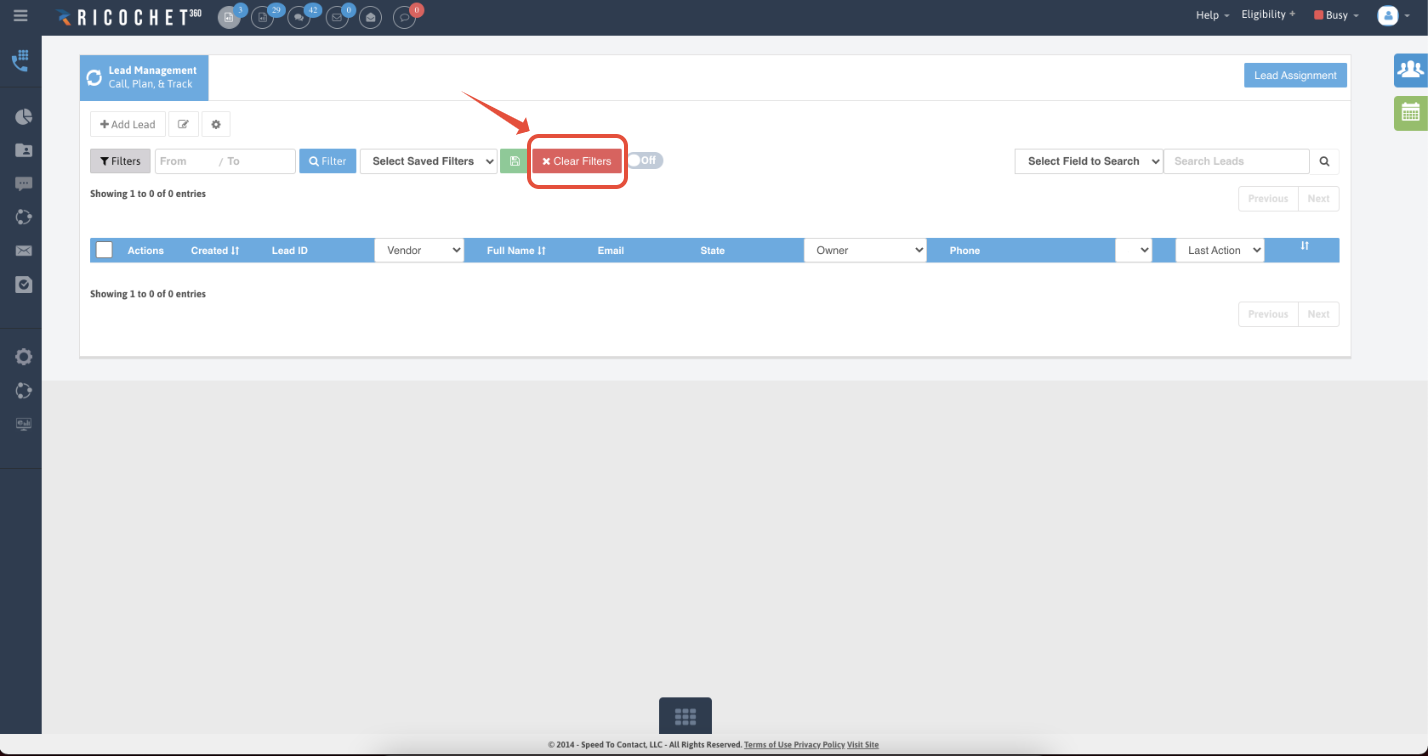
Was this article helpful?
That’s Great!
Thank you for your feedback
Sorry! We couldn't be helpful
Thank you for your feedback
Feedback sent
We appreciate your effort and will try to fix the article