Subject
Applies to: All users
Purpose: Enable users to quickly view only unread text messages in the Text Messaging dashboard so they can prioritize and respond to new conversations efficiently.
Location in Ricochet: Text Messaging
Description
This article explains how to filter text messages in the Text Messaging dashboard to display only unread messages, and how to return to viewing all messages once unread items have been reviewed.
Resolution
Optional: View the interactive tutorial for this process:
Click here to open the step-by-step tutorial in a new tab
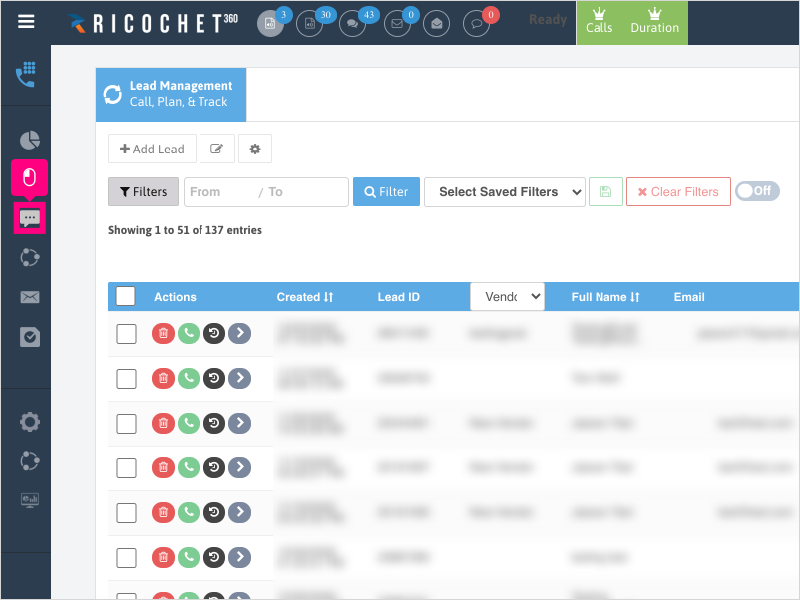
1. To filter text messages by Read / Unread, click Text Messaging
2. Click Unread Messages to show only messages that have not been marked as read.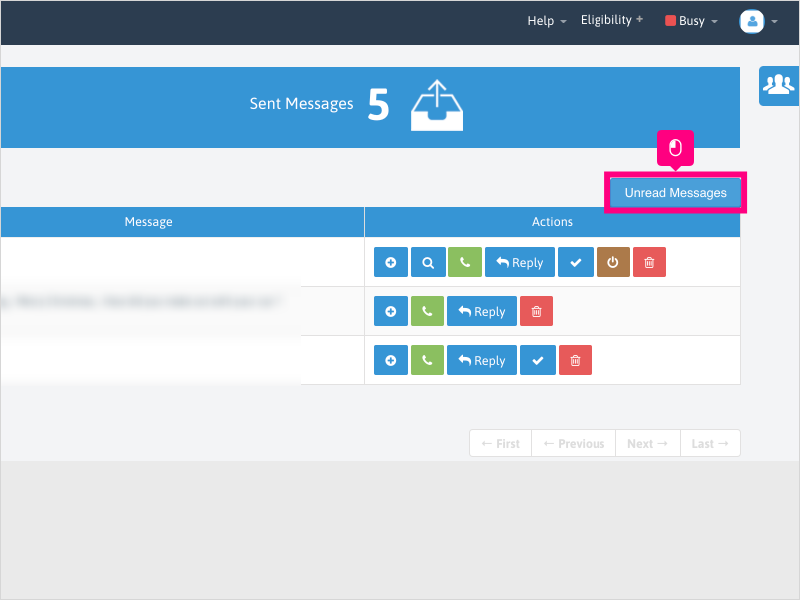
3. To return to viewing all messages, click All Messages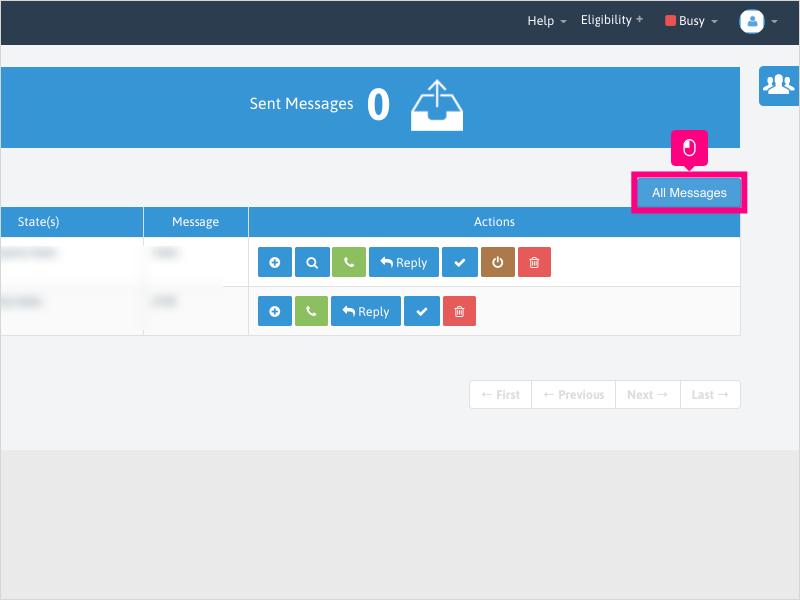
Was this article helpful?
That’s Great!
Thank you for your feedback
Sorry! We couldn't be helpful
Thank you for your feedback
Feedback sent
We appreciate your effort and will try to fix the article