Subject
Applies to: All users
Purpose: Provide users with clear instructions for locating and reviewing outbound email messages sent from Ricochet, including how to use date filters to view email activity within a specific time range.
Location in Ricochet: Email Messaging
Description
This article explains how to access the Email Messaging dashboard to view outbound emails sent from Ricochet. It covers navigating to the correct email view, understanding the default date range, and adjusting filters to display outbound email messages for the desired timeframe.
Resolution
Optional: View the interactive tutorial for this process:
Click here to open the step-by-step tutorial in a new tab
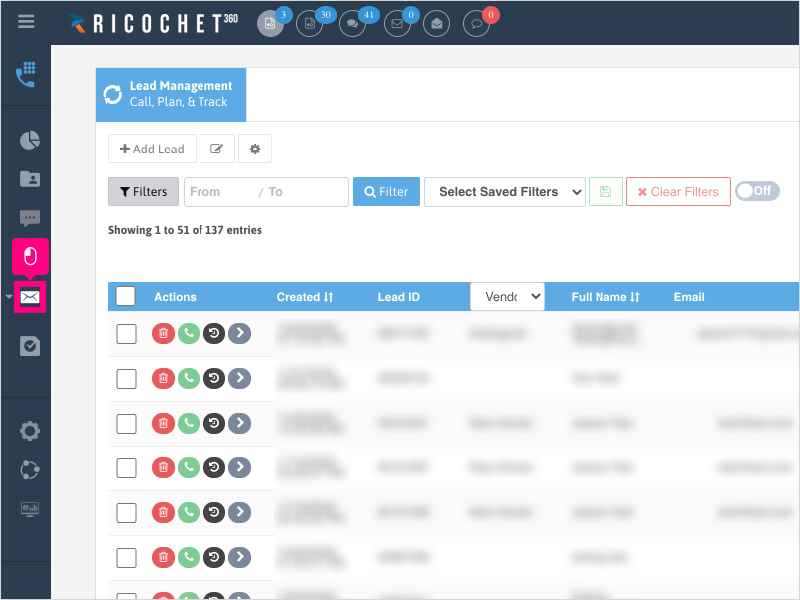
1. To view outbound email messages that were sent from Ricochet, click the Email Messaging section icon
2. Click the 2nd Email Messaging icon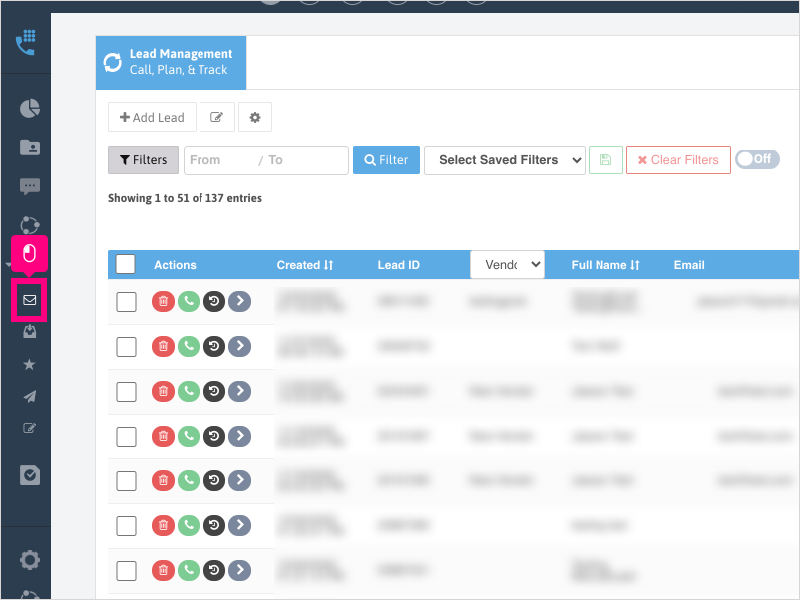
3. The first page you land on will default to show you the outbound emails for the last 7 days.
Adjust the date filters as needed then click "Filter" to see the results.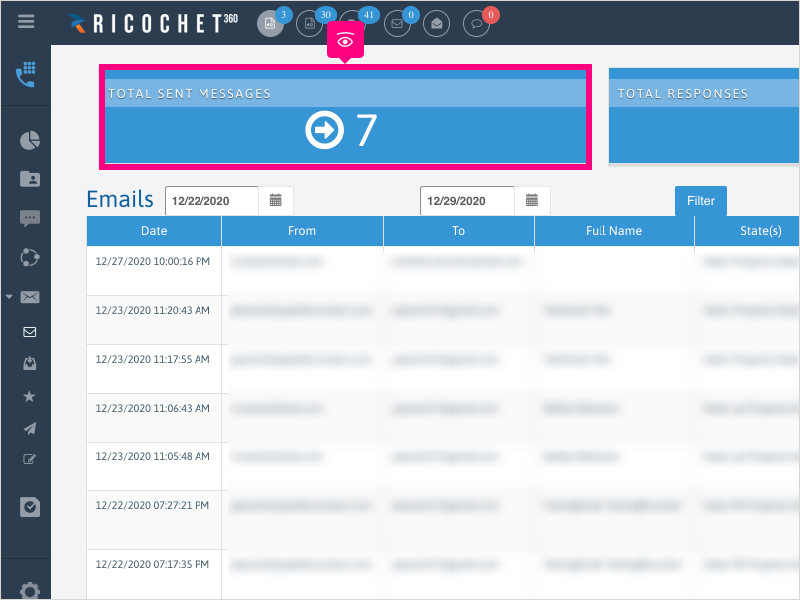
Was this article helpful?
That’s Great!
Thank you for your feedback
Sorry! We couldn't be helpful
Thank you for your feedback
Feedback sent
We appreciate your effort and will try to fix the article