Subject
Applies to: All users
Purpose: Explain how users can reply to inbound email messages from the Email Messaging dashboard when IMAP is properly configured.
Location in Ricochet: Email Messaging
Description
This article walks through the steps to locate inbound emails in the Email Messaging dashboard, filter messages by date if needed, and reply directly to an email using the reply function, provided IMAP is set up and working correctly.
Resolution
Optional: View the interactive tutorial for this process:
Click here to open the step-by-step tutorial in a new tab
1. If you have IMAP set up and configured correctly, and you want to reply to an email, click Email Messaging
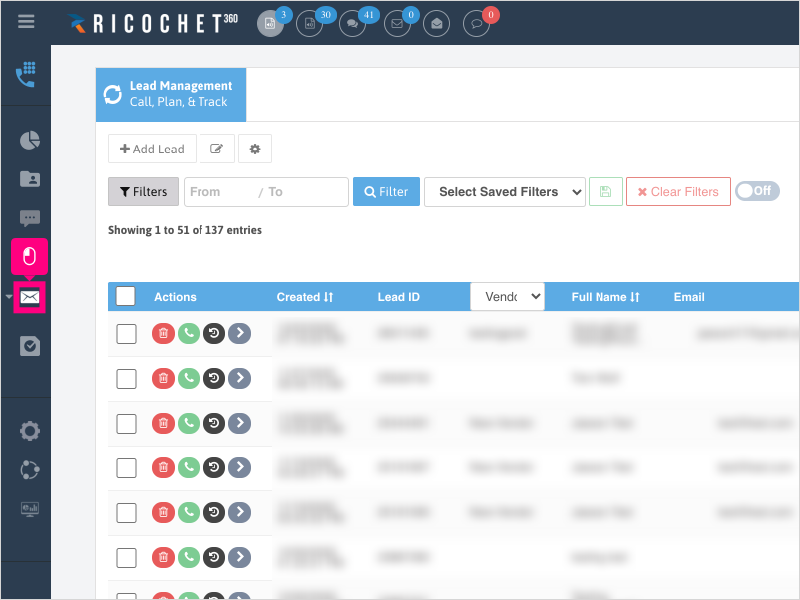
2. Click the 2nd Email Messaging button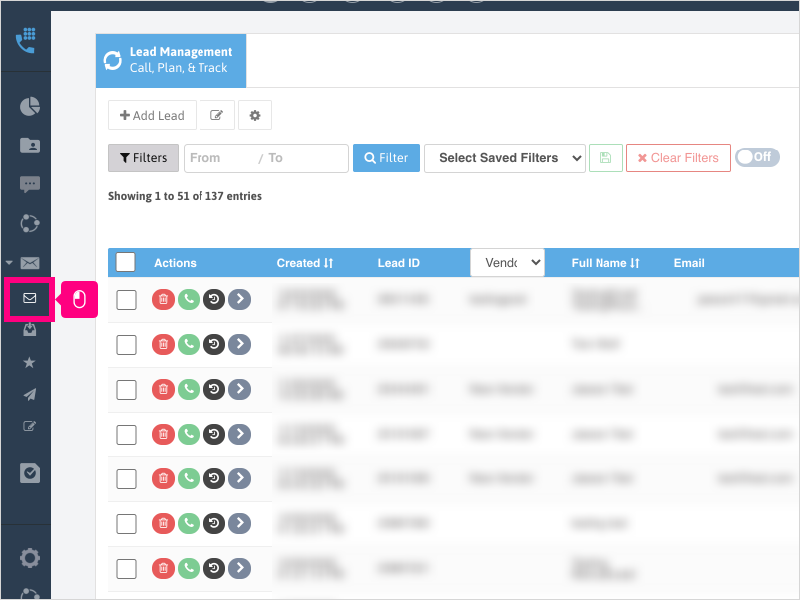
3. To access your Inbound emails from the Email Dashboard, click Total Responses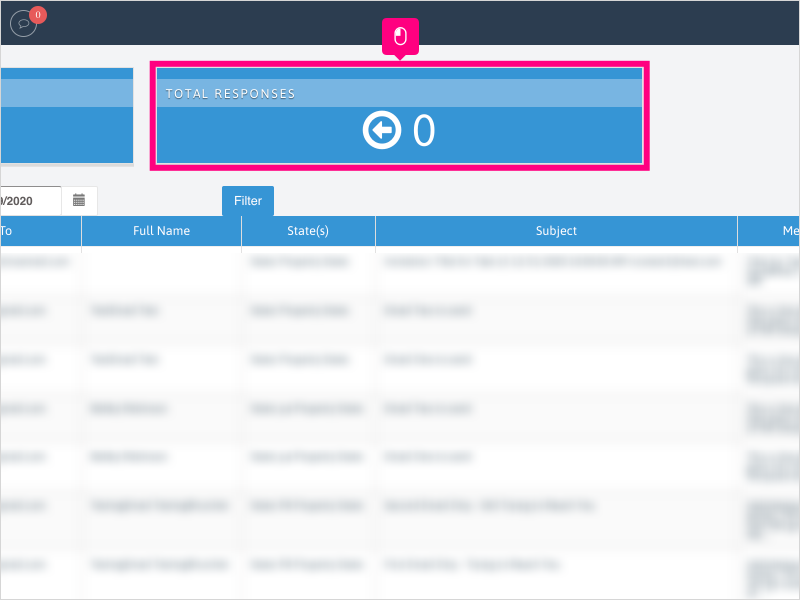
4. If necessary, filter your email list using the From date (on the left) / To date (on the right).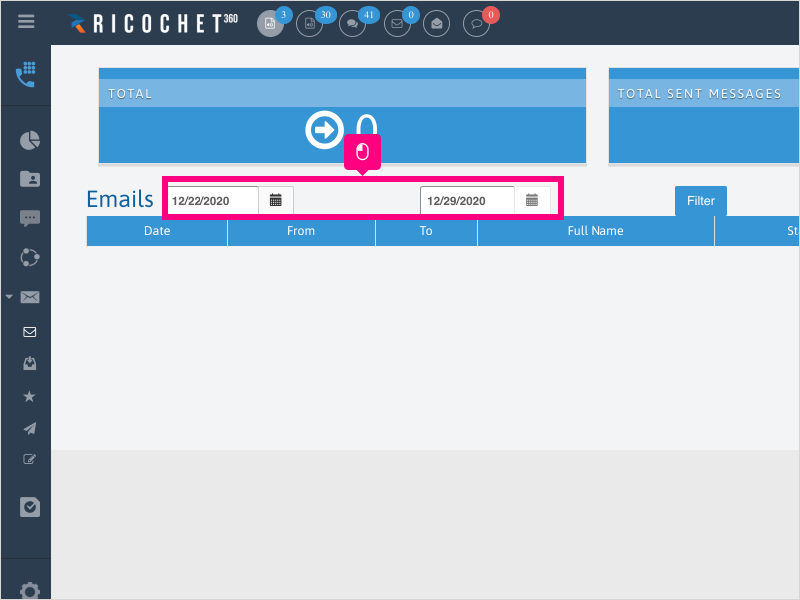
5. Click Filter once you have your date selection set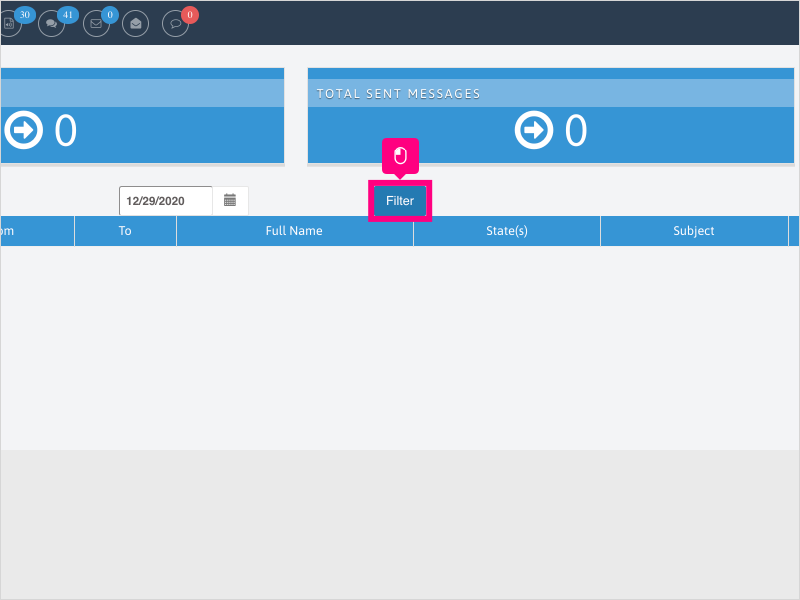
6. Find your email that you want to reply to and click Reply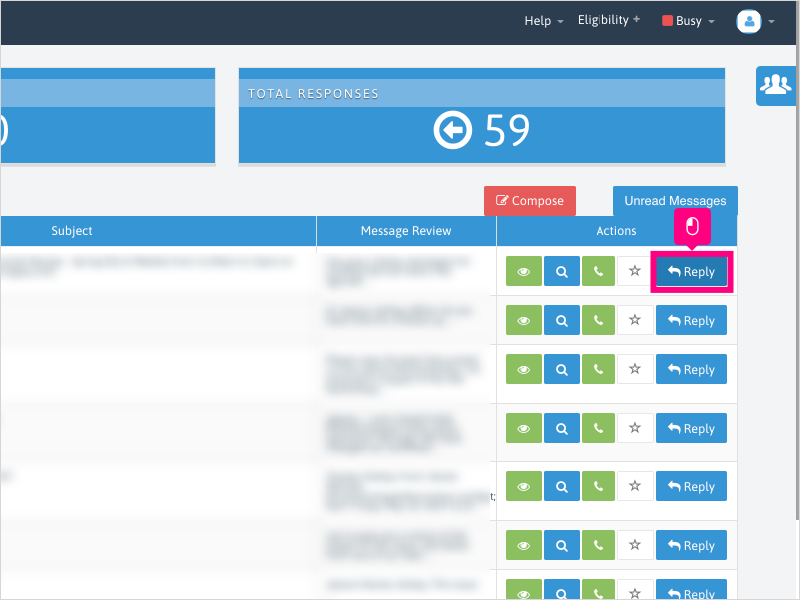
7. Click inside the body of the email and type your message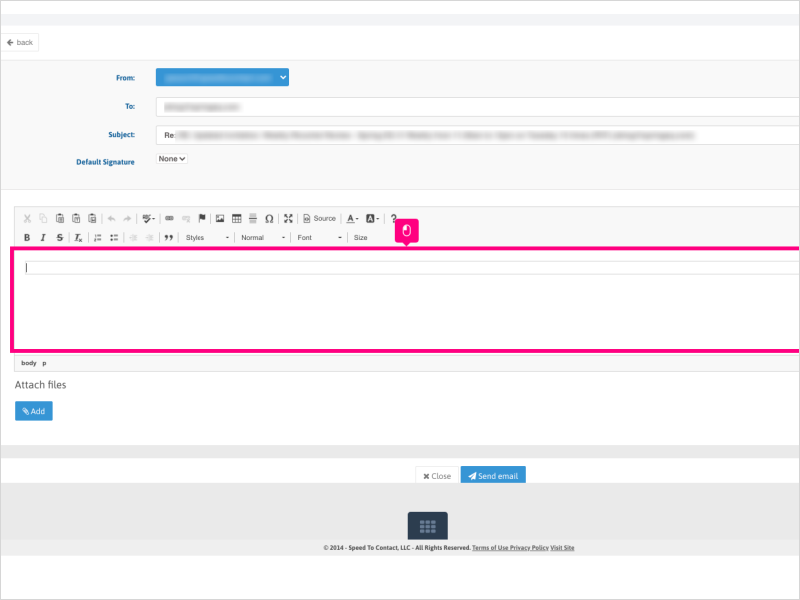
8. Click on Send Email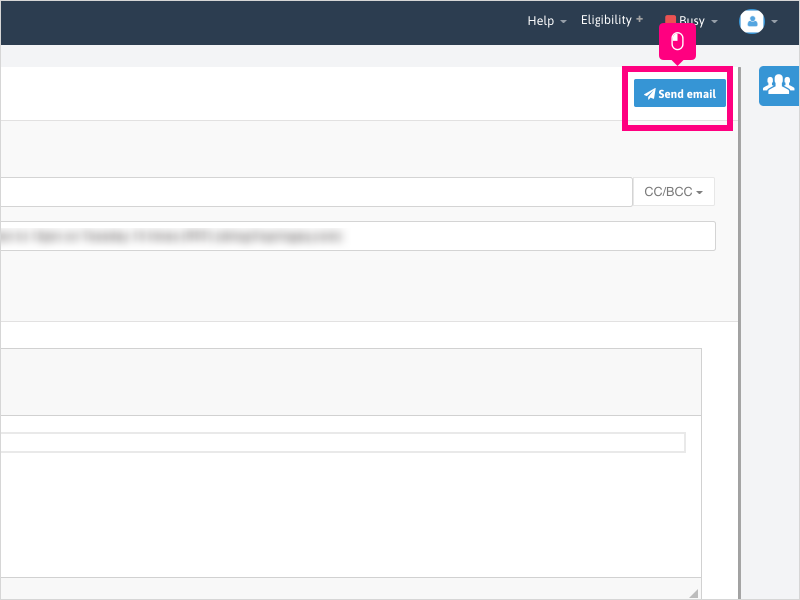
Was this article helpful?
That’s Great!
Thank you for your feedback
Sorry! We couldn't be helpful
Thank you for your feedback
Feedback sent
We appreciate your effort and will try to fix the article